Rimex Art 30102026
by rimex art 1

Free CNC Studio online
wave field · z = A·sin(x·ƒ + φ)
Design parametric wood slat and wave wall panels in your browser, then export CNC-ready DXF & SVG, real STL/OBJ/STEP solids, and ready-to-run GRBL/Mach3 G-code — with a built-in machining simulator. No CAM software needed. For makers, CNC shops and interior designers.
Free to design · 1 free export · then $3.99 for 24 h — no account, no subscription Pro →
In short
Parametric Wall Studio is a free online generator for CNC wood slat walls and wave wall panels. You set the size, slat spacing and relief, or describe the wall and AI sets them; the studio slices it into numbered slats, nests them on standard sheets and exports DXF, SVG, STL, OBJ, STEP and GRBL/Mach3 G-code. Designing is unlimited. You get 1 free export (2 with a free account), then a 24-hour pass costs $3.99; Pro is $9.99/month or $79/year.
Templates
Ready-made wave and slat walls: open one free in the studio and adapt it to your dimensions.
Guides & files
Practical guides, machining settings and CNC-ready files to download.
Generate the files for YOUR dimensions, then download. 1 free export, no account.
GuideWall size, slats, joinery, nesting and G-code: what each setting does at the machine.
CompareThe four wall types compared: look, cost, difficulty and sound absorption.
GuideDimensions, slat width and spacing, material, relief, nesting and export.
AcousticsHow a slat wall absorbs sound, and the settings that actually matter.
MachiningMDF, plywood, oak, walnut, pine and bamboo — settings that don't burn or chip.
G-codeGo from design to machine without Fusion or VCarve.
GeneratorWhat a wall generator produces, what it exports, and how it differs from a downloaded DXF.
CompareTwo different tools with similar names: exports, G-code, pricing and licences, checked and dated.
From the first wave to the final cut file — a complete parametric pipeline for decorative and acoustic wall panels.
Describe the wall you want — "soft ocean waves in light oak" — and AI sets every parameter. Then refine it by asking: "deeper relief", "thinner slats".
Sculpt wood slat and wave wall panels with real-time parameters: amplitude, frequency, layered wave fields, attractors and hand-drawn profiles.
Clean, single-polyline DXF (R12) and SVG with CUT / ENGRAVE / SHEET layers — drop them straight into VCarve, Fusion, LightBurn or your CNC/laser software.
Generate ready-to-run GRBL / Mach3 G-code with cutter radius compensation, holding tabs and per-sheet time estimates — no separate CAM software. Then check every pass in the built-in NC-Viewer-style simulator (animated tool, real feeds, 3D view).
Export the assembled wall or the relief surface as STL, OBJ, or watertight STEP solids you can open and edit in Fusion 360, SolidWorks or FreeCAD.
Automatic tenons and a matching mortised back panel for a self-aligning, easy-to-assemble wall — generated and nested for you.
Each wall is sliced into numbered slats and laid out on standard sheets, ready to cut with minimal waste.
Rectangular, organic, pebble or arch outlines, plus metric / imperial (mm / inch) — designed for makers worldwide.
 01
01Shape your relief with waves, profiles or a sculpt brush in a live 3D viewport.
 02
02Auto-slice into slats with joinery and nest them onto cut sheets.
 03
03Download ready-to-run GRBL/Mach3 G-code (with built-in simulator), CNC DXF/SVG, or 3D STL/OBJ/STEP — all in millimetres or inches.
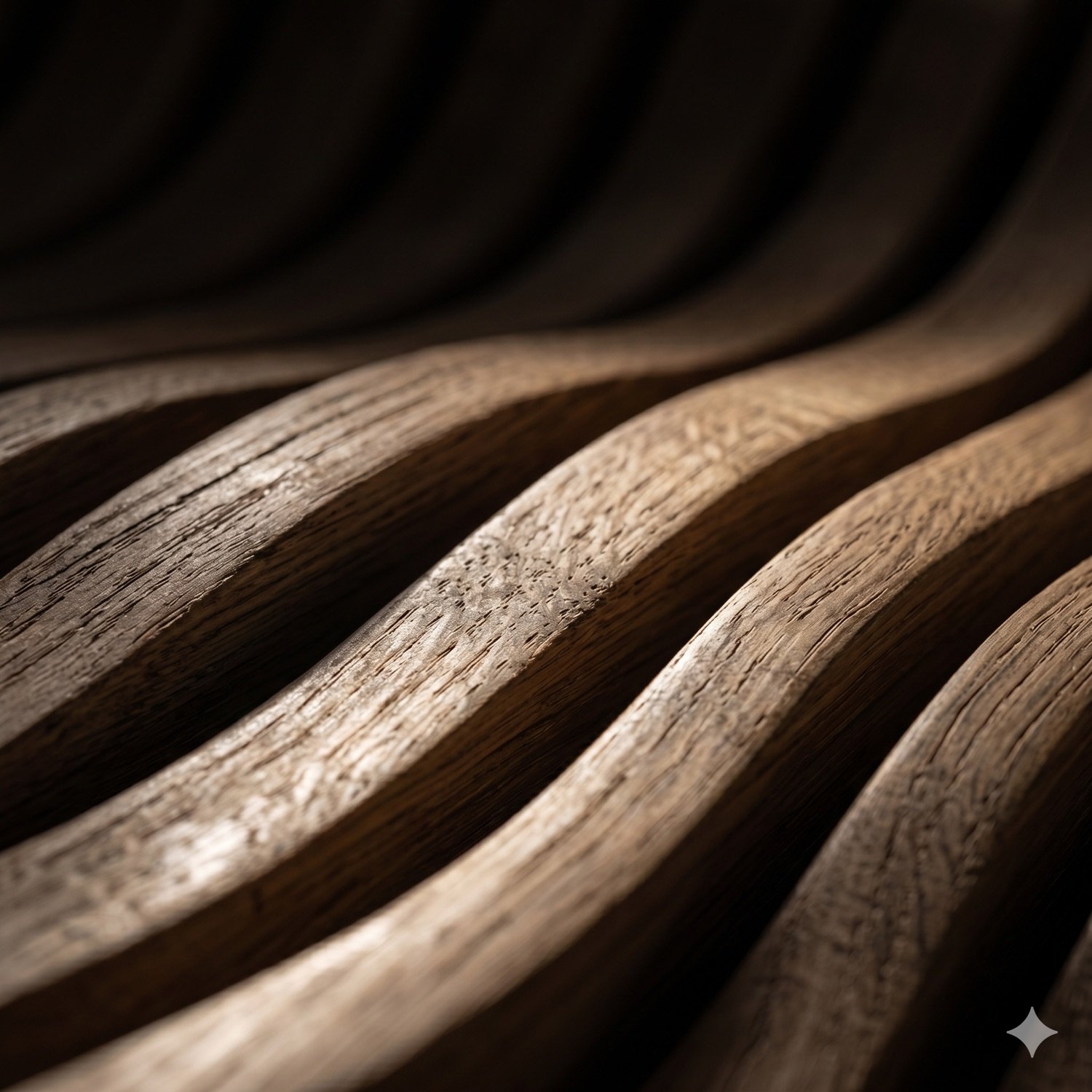
Oak · CNC · relief
Real wood. Mathematical waves. Machine precision.
Production-ready DXF and nesting for routers.
Slat walls, fluted panels and headboards.
Acoustic and decorative feature walls.
STL/OBJ relief tiles and prototypes.
Yes. Parametric Wall Studio has a built-in AI design generator: describe the wall in plain language — "soft ocean waves in light oak", "an acoustic panel with thin vertical slats" — and it sets every parameter (dimensions, wood colour, relief layers, slat spacing, acoustic mode). A copilot then refines the wall on screen from plain instructions like "deeper relief" or "thinner slats". 20 free AI generations, then it is included in Pro. This is currently the only parametric wall generator offering text-to-design.
No — the AI composes mathematical patterns (waves, ripples, domes), so it cannot draw figurative shapes like a face, a skull or a logo, and it tells you so instead of faking it. For those, use a heightmap: upload a grayscale depth image (white = closest) in the Surface section and the engine sculpts it into a real bas-relief.
Yes — designing is free and unlimited, no account needed. You get 1 free export straight away, and a free account gives you 2 in total. After that, a $3.99 pass unlocks every format for 24 hours with no subscription, or Pro — $9.99/month or $79/year — makes exports unlimited (DXF, SVG, STL, OBJ, STEP, G-code and the technical plan). Founding members keep Pro free for life.
DXF and SVG for CNC routers and laser cutters, STL and OBJ for 3D printing and rendering, real STEP B-rep solids for CAD software, and ready-to-run GRBL/Mach3 G-code (.nc).
Yes. It exports ready-to-run .nc G-code for GRBL and Mach3 controllers directly, with cutter radius compensation, holding tabs and a machining-time estimate per sheet. A built-in simulator replays the exact file (animated tool, real feed rates, depth-colored passes, 3D view) so you can check the toolpath before cutting.
Yes. The STEP export is a watertight B-rep solid that opens as editable solid bodies in Fusion 360, SolidWorks, Inventor and FreeCAD.
No. Parametric Wall Studio runs entirely in your web browser — nothing to install, on any operating system.
A decorative or acoustic wall made of repeated wood slats whose depth follows a mathematical wave or relief field, generated parametrically and cut on a CNC machine.
No install, no sign-up to start. Designing is free — Pro unlocks unlimited workshop exports.
Launch the Studio →


